Delivery Teams
Delivery Teams
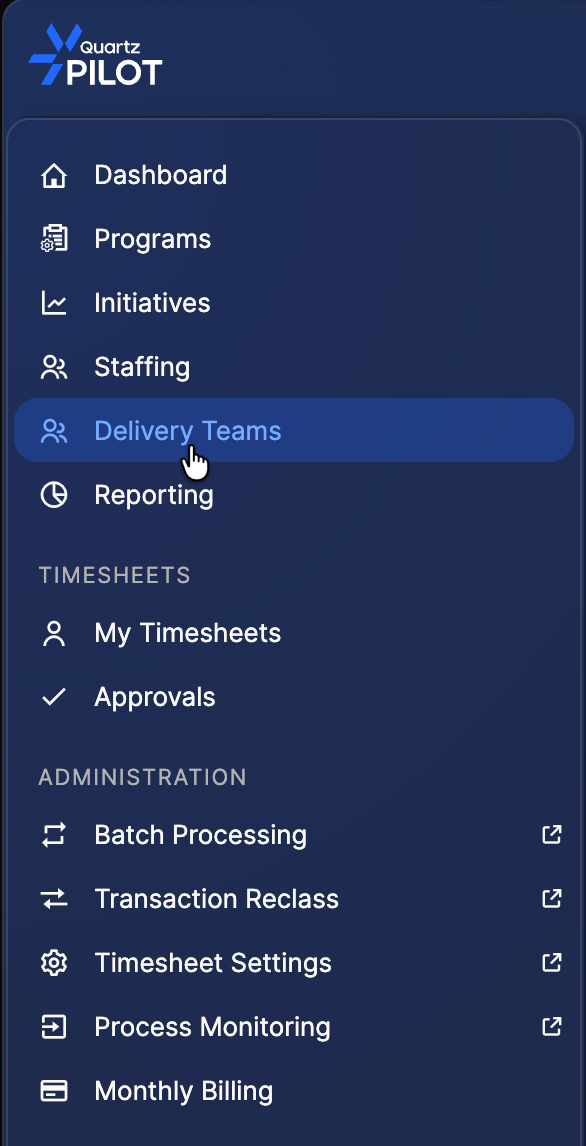
In this section, you will learn how to use the Delivery Teams. This feature is accessible via the dedicated menu entry:
Delivery Teams menu
On the main page, you will find all the existing delivery teams:
Delivery Teams list
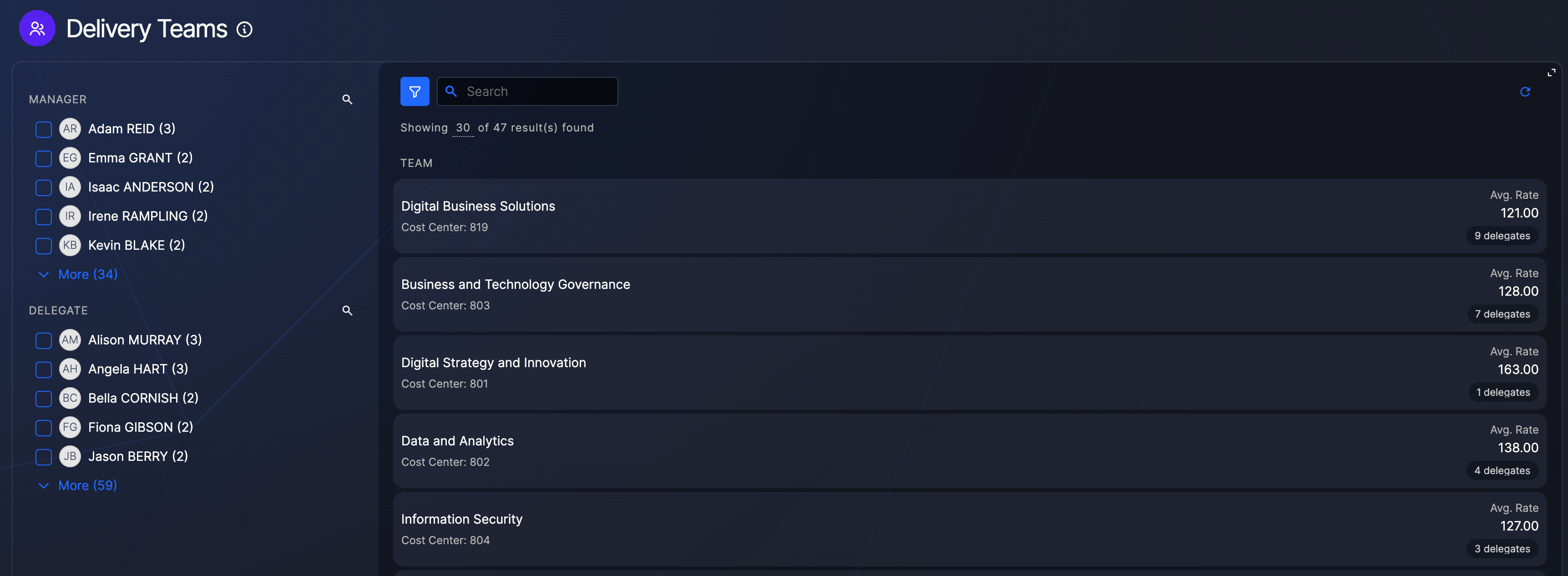
This page allows you manage your Delivery Teams:
- The creation of a new Delivery team
- The modification of an existing delivery Team
Creation of a new Delivery Team
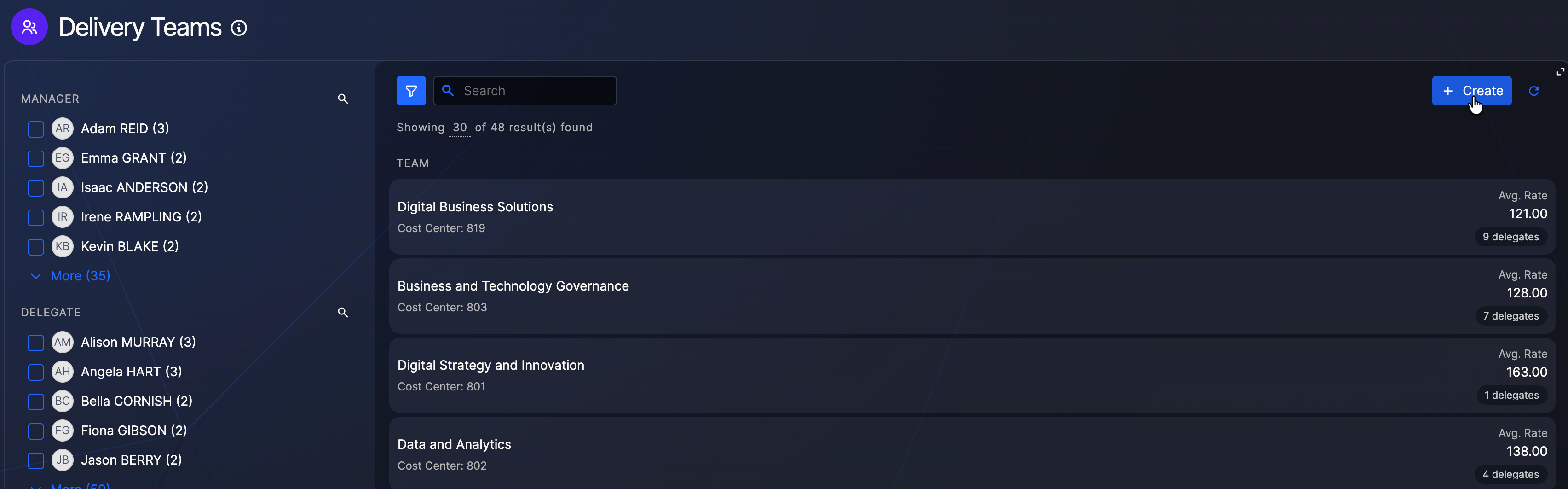
To create a new delivery team, click on the button on the top right corner:
Create Delivery Team button
You will get a modal page that will request you to fill the mandatory fields:
Create Delivery Team modal
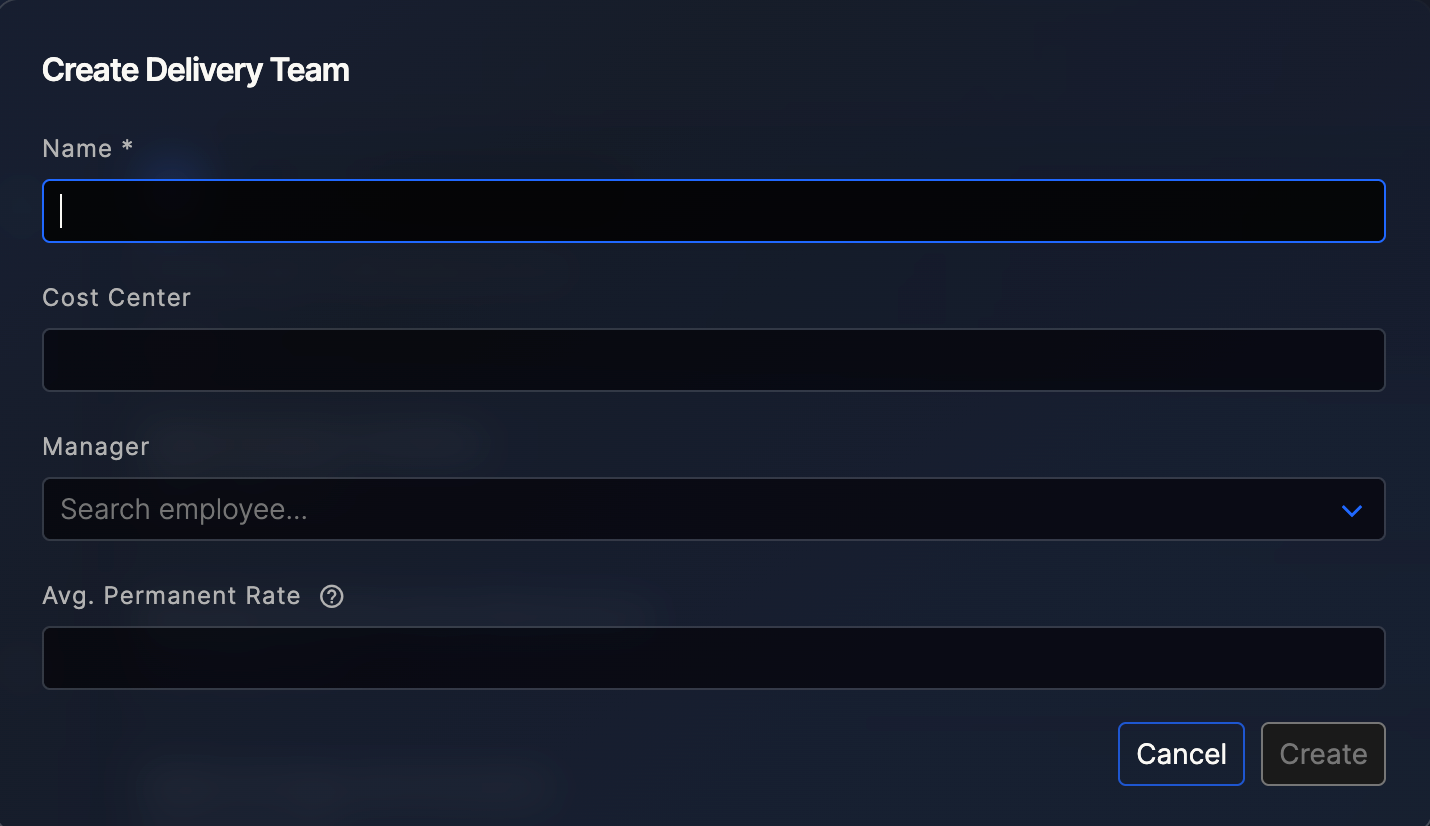
The cost center cannot be updated once the delivery team is created. Please ensure you enter the correct value before proceeding with the creation of the delivery team.
Modification of an existing Delivery Team
To modify a Delivery team, browse the page and click on the one you want to update.
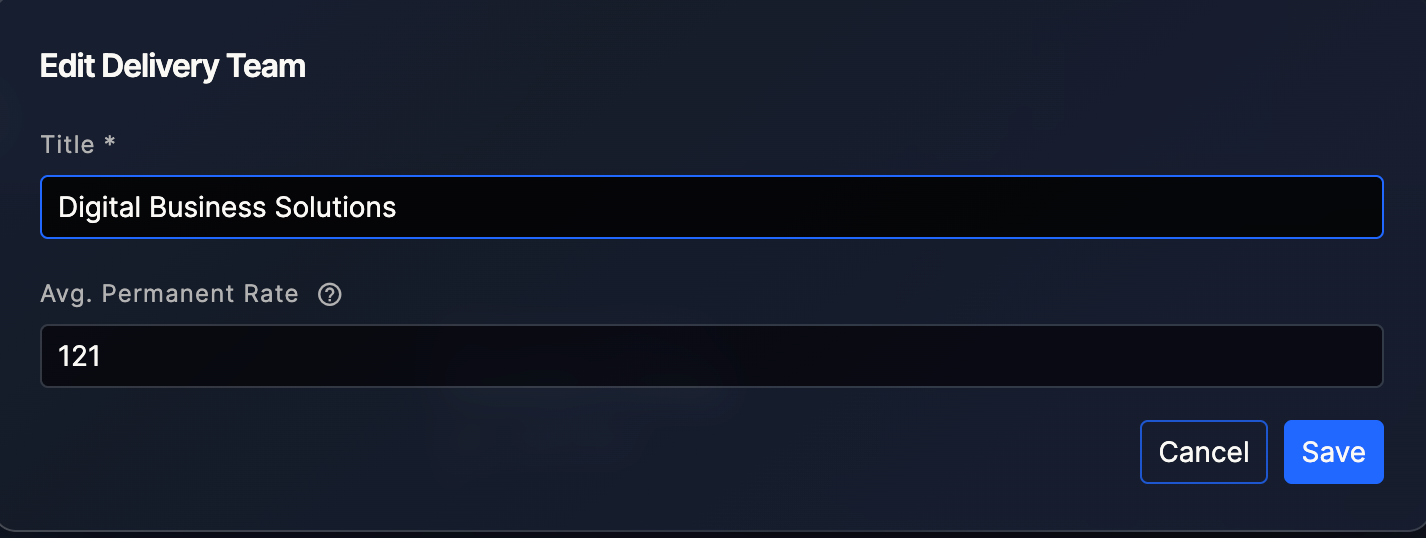
Once on the page, at the top right corner you'll see a three dot menu where you will be able to edit the name of the delivery team and the permanent average rate:
Edit Delivery Team menu

Edit Delivery Team modal
Then on the rest of the page, you will be able to modify the manager:
Modify manager

Add a delegate:
Add delegate

Or delete a delegate:
Delete delegate
