Change request
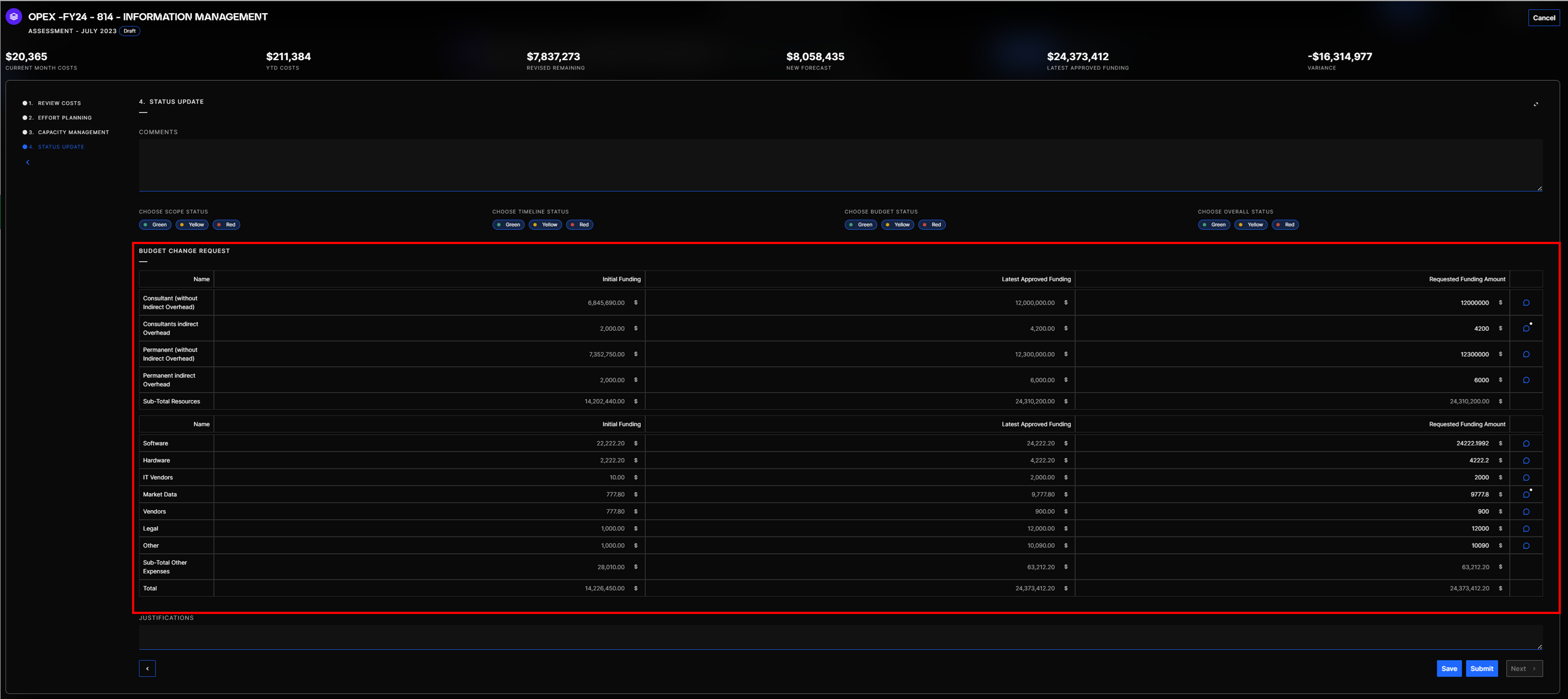
This section allows users to request a change in their budget. In Pilot, it is possible to document a request for additional funding during an assessment.
-
Click on Perform Review → 4. Status Update
-
Go to the section Budget change Request
Budget change request section
-
Fill in Requested Funding Amount
-
Save the assessment
When submitting the assessment, the budget change request is also submitted. It will be approved at the same time as the assessment.